




ChatGPT Images 2.5 is here: This time, other raw image models really need to be nervous
 Core Viewpoint

 The new version focuses on enhancing the consistency of image editing, reference image fidelity, and multi-round modifications.
Author: Xiao Jing, Tencent Technology
Editor: Xu Qingyang, Tencent Technology
On September 8, local time in the United States, OpenAI released the latest image generation model, ChatGPT Images 2.5.
The new version focuses on enhancing image editing, reference image fidelity, and consistency in multi-round modifications. When users continuously modify an image, previously adjusted content is more likely to be retained. When modifying characters, products, or backgrounds, it is also easier to change only the specified parts. The generation speed is up to 50% faster than Images 2.0.
At the same time, ChatGPT has added Sketch, Templates, and image commenting features. Users can directly draw sketches as references or mark the areas that need modification on the images. Developers can use the GPT-Image-2.5 Flare and GPT-Image-2.5 Sunburst through the API.
OpenAI states that currently, users generate over 3 billion images weekly through ChatGPT Images and the GPT-Image model in the API. Images 2.5 has been made available to ChatGPT, ChatGPT Work, and Codex users, covering web, desktop, and mobile platforms.
01 Change One Part, Not the Whole Image
The real trouble with AI-generated images often arises after the first image is generated. For example, if a character is satisfactory but only the clothing needs to be changed. If a product is confirmed but only the background needs to be swapped. If a poster is completed but only one line of text needs to be altered. In the past, continuing to modify could cause other parts of the image to change as well.
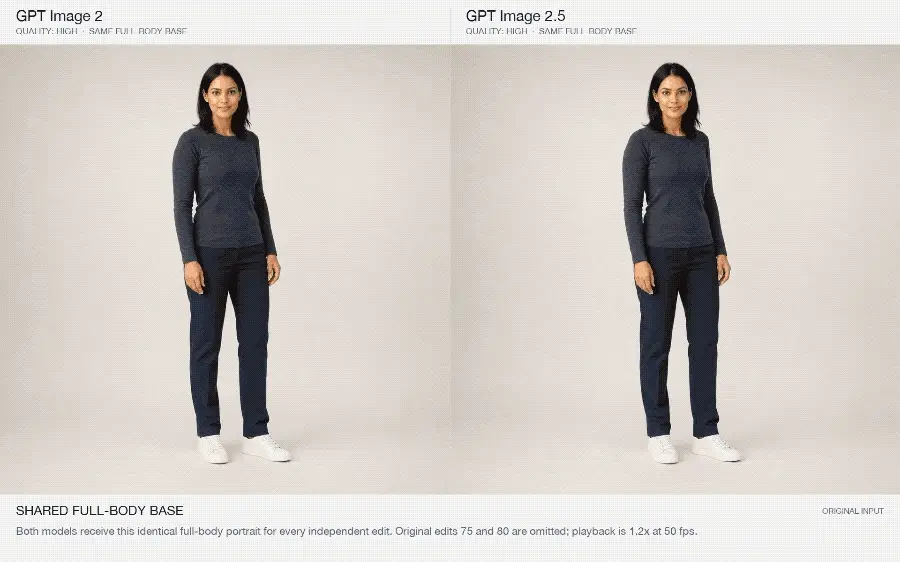
Images 2.5 places precise editing in a prominent position. OpenAI provides examples including "Full Body Edit" and "Multi-City Travel Ticket." These demonstrations use continuous images to show the modification process, focusing on whether the model can adjust the specified content according to instructions while retaining the original subject, composition, and other details.
The "Multi-City Travel Ticket" example is relatively easy to understand. If only one piece of information needs to be changed in the image, the model must identify the specific object to modify while maintaining the overall design structure of the ticket. This capability is more practical for product images, advertising materials, and brand posters than simply generating a beautiful image.
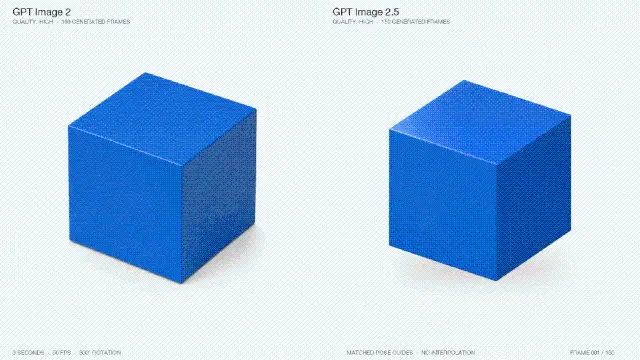
Another focus is on multi-round editing. OpenAI showcased three cases: "Cube Rotation," "Travel Infographic," and "Birthday Candles." These are not one-off generations but involve multiple continuous modifications. OpenAI aims to demonstrate that previous modifications can be retained, and subsequent operations will not continuously disrupt the already completed content.
This is also the most noteworthy aspect of the Images 2.5 upgrade.
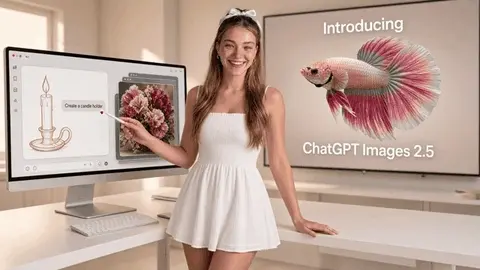
User @thesoragirls conducted a straightforward test: drawing a candle in the image while specifying that a petal should remain unchanged, then observing whether the model would affect the original content when modifying other areas. Her test results showed that the fixed petal was retained while other parts changed as required.
However, continuous editing has not completely resolved detail issues. Japanese animator @genel_ai found in practical tests that although the official emphasized that image quality could be maintained after multiple edits, artifacts and texture changes could still occur when edits were continuously layered.
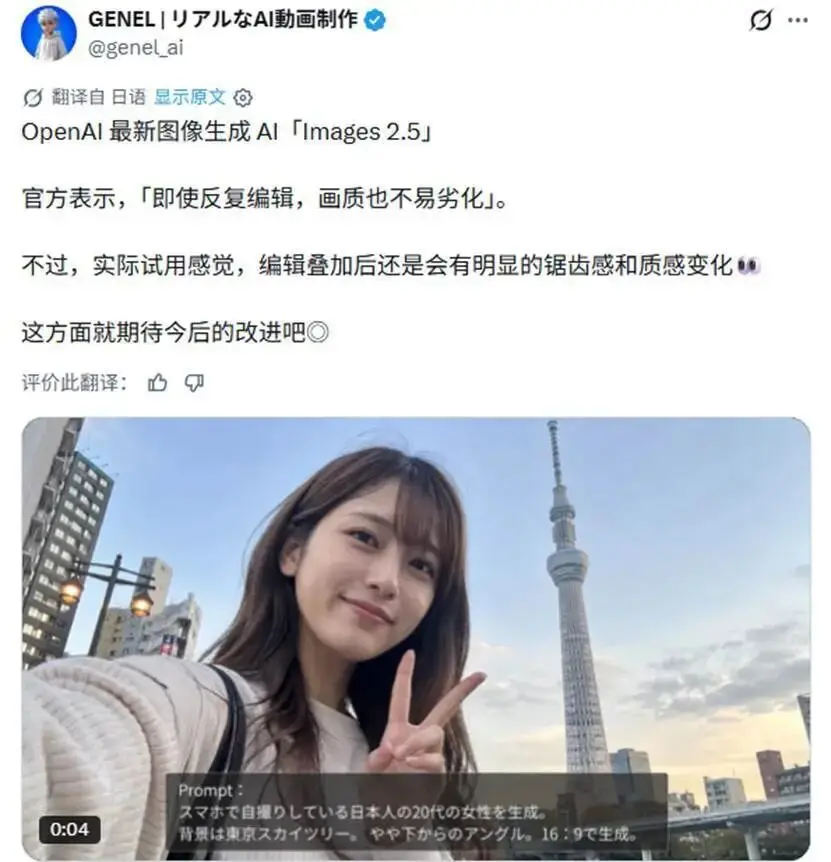
In other words, while 2.5 has improved stability, quality loss can still occur in complex scenes.
02 Reference Images, More Stable
The second change in Images 2.5 is the handling of reference images.
Users can provide photos of characters, pets, or other subjects and then request them to enter a new scene, change visual styles, or alter compositions. OpenAI states that the new version is better at retaining the recognizable features of characters while improving lighting and texture performance.
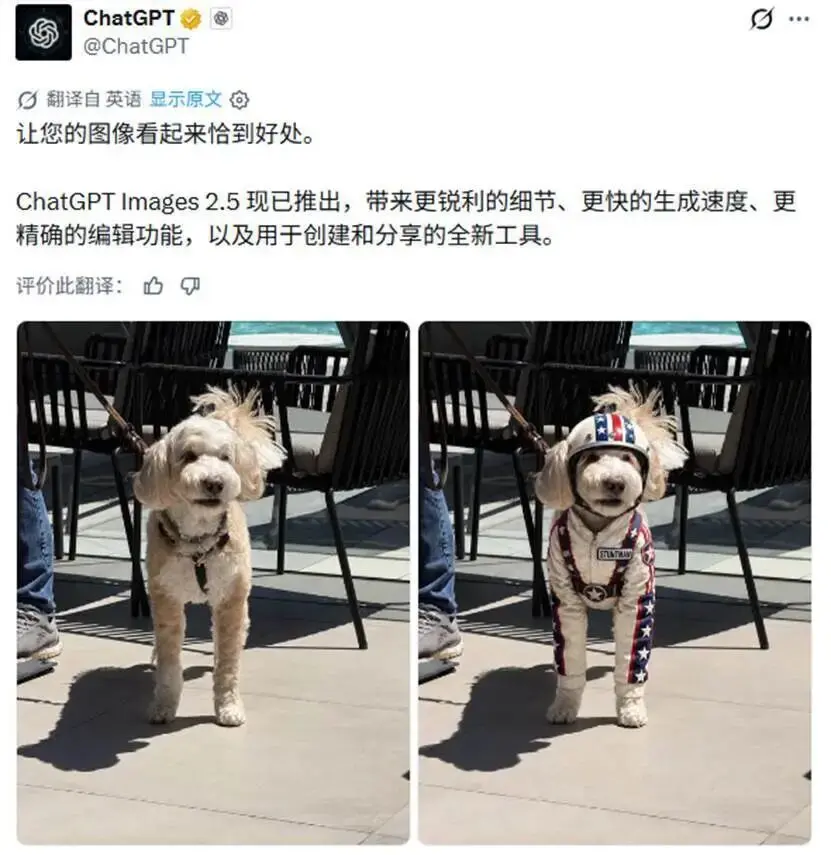
The official examples include five cases: "Redesigned Baby Portrait," "Dog in Costume," "Photo Booth Portrait," "Group Party Composite Photo," and "Making the Bed."
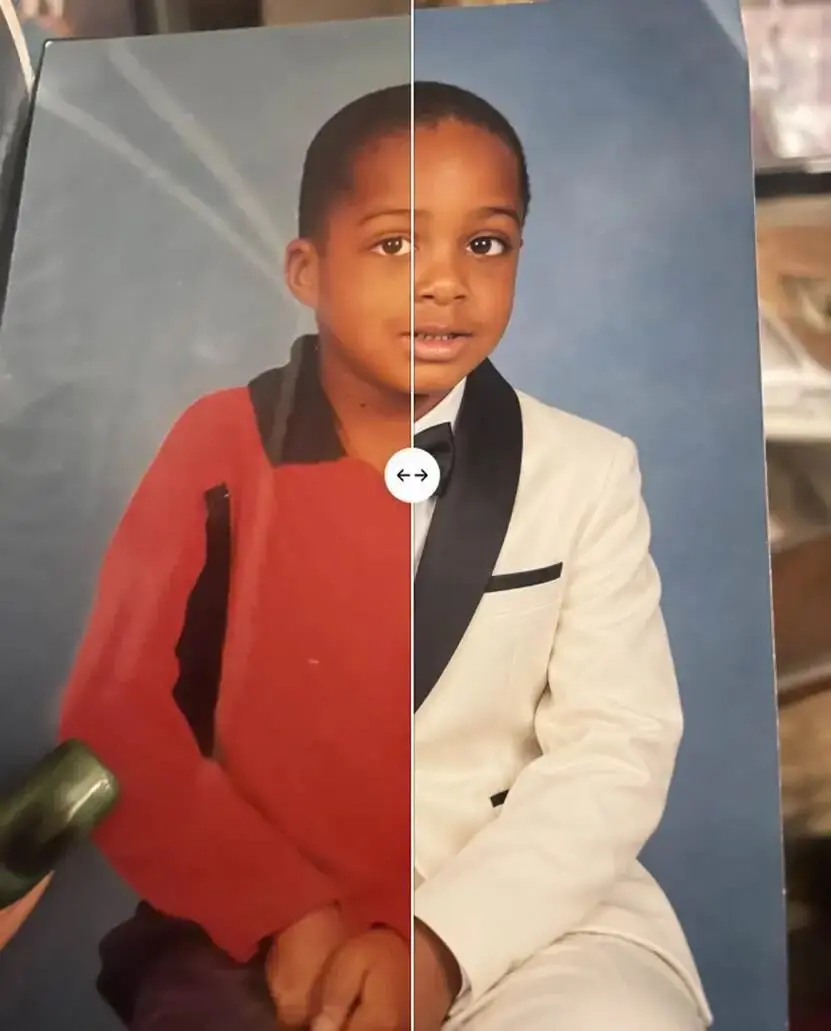
These cases cover different situations. The baby portrait and photo booth portrait mainly focus on whether the character features can be maintained; the dog case examines whether the subject can retain its original image after changing outfits; the group party composite photo involves multiple characters appearing in one image; "Making the Bed" is closer to everyday image editing, requiring specific adjustments to the original scene.
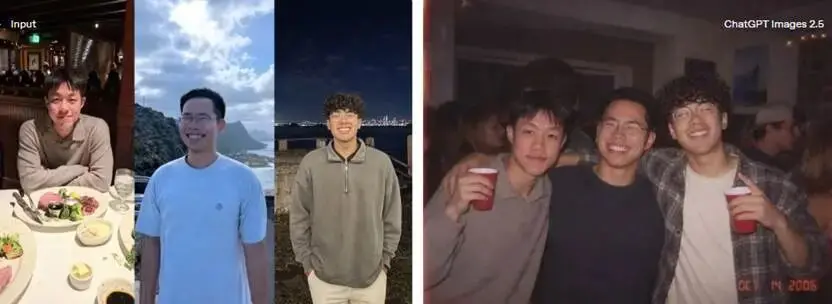
This capability is particularly important for work that requires continuous use of the same character, product, or brand material. API users can generate different versions based on the same reference image, reducing the likelihood of significant changes occurring each time a new generation is made.
Complex images are also a focus of the official examples this time. OpenAI showcased a 1950s-style family illustration: a family standing in front of a huge cylindrical space habitat containing green landscapes, lakes, and futuristic buildings.
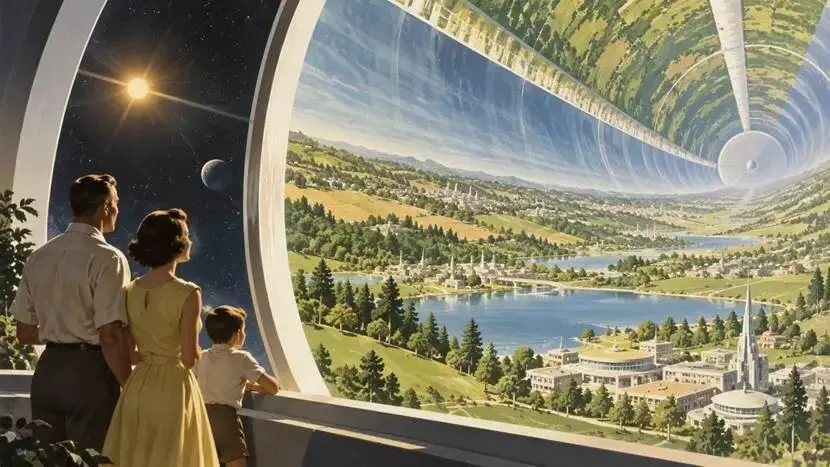
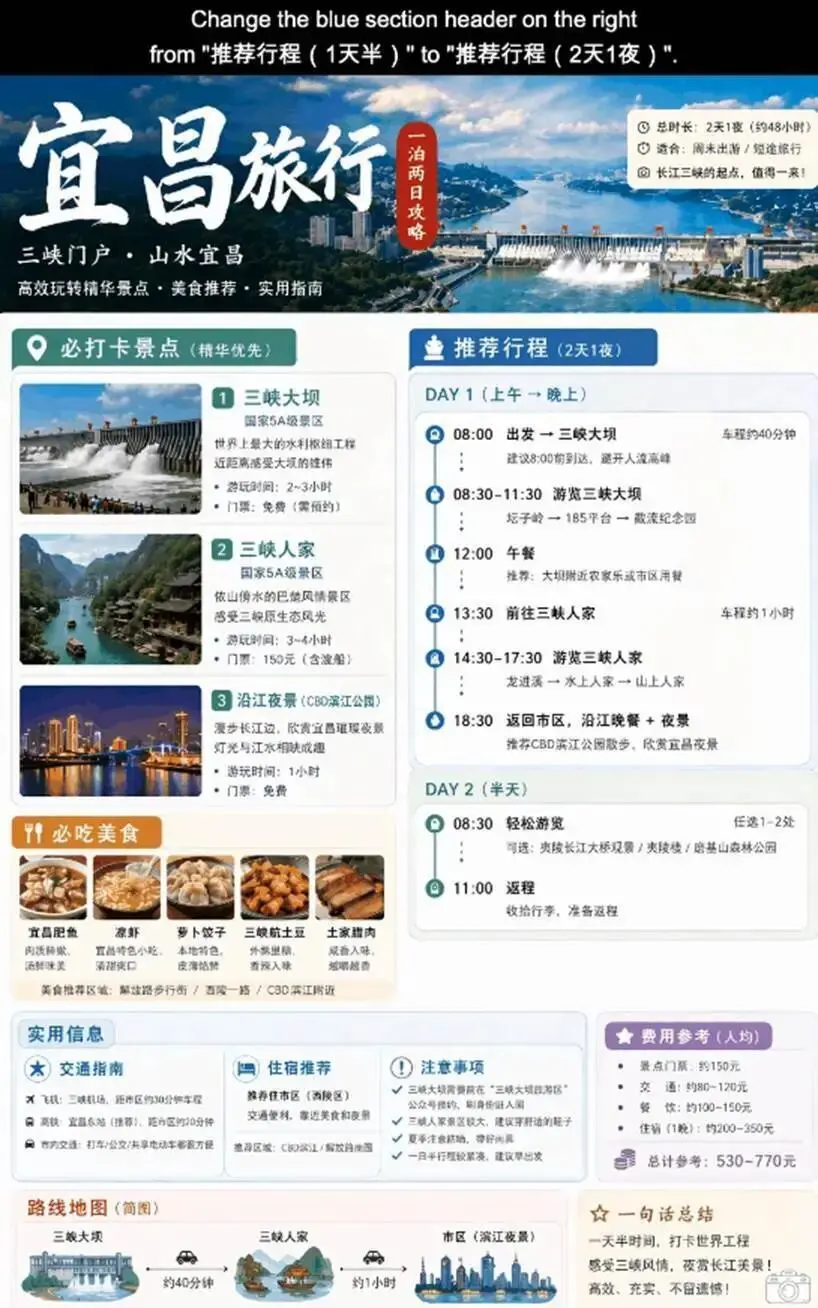
OpenAI's official introduction page displayed a travel page for Yichang: placing travel destinations, attraction information, images, and text content on the same page, creating a complete travel guide. It needs to handle multiple images, different levels of text, and page layouts simultaneously, not just focus on individual elements.
There is also a set of nine-grid modernist posters from the medieval period, each with different geometric shapes and text, including "Create," "Grow together," and "Choose kindness."
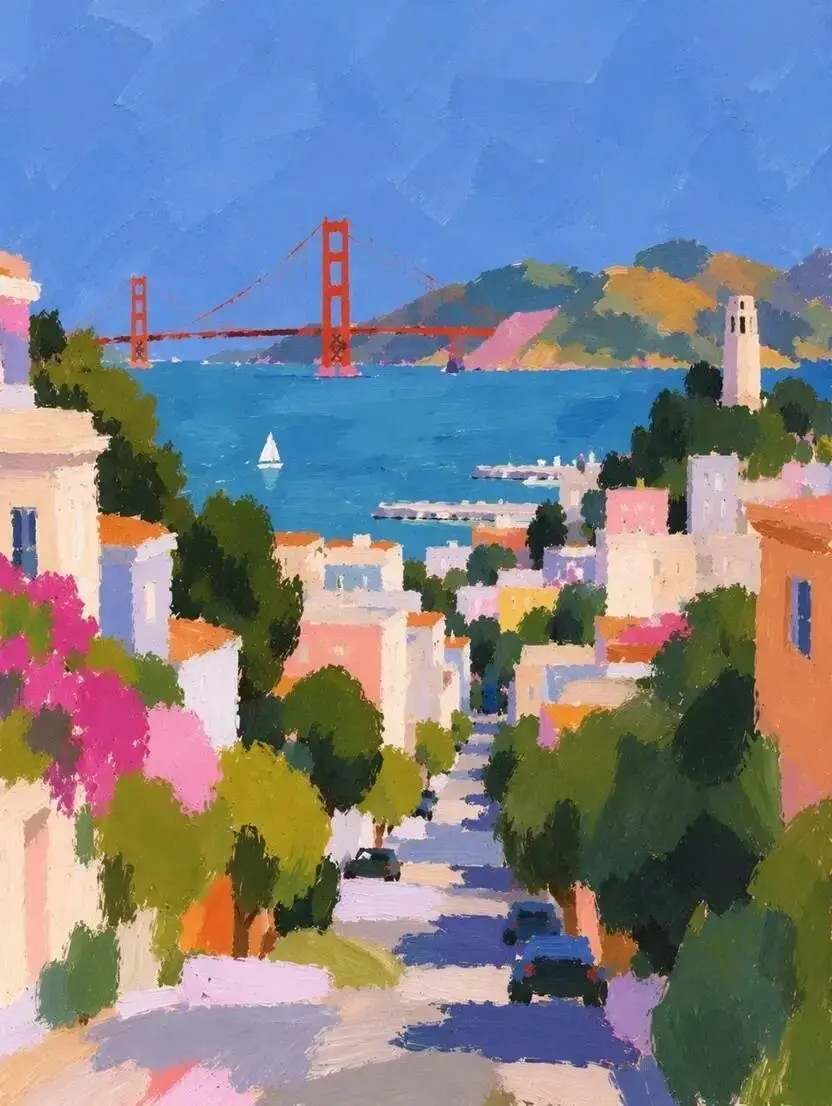
Another image is an impressionist depiction of San Francisco streets, with the street extending down between colorful houses, revealing the bay and the Golden Gate Bridge.
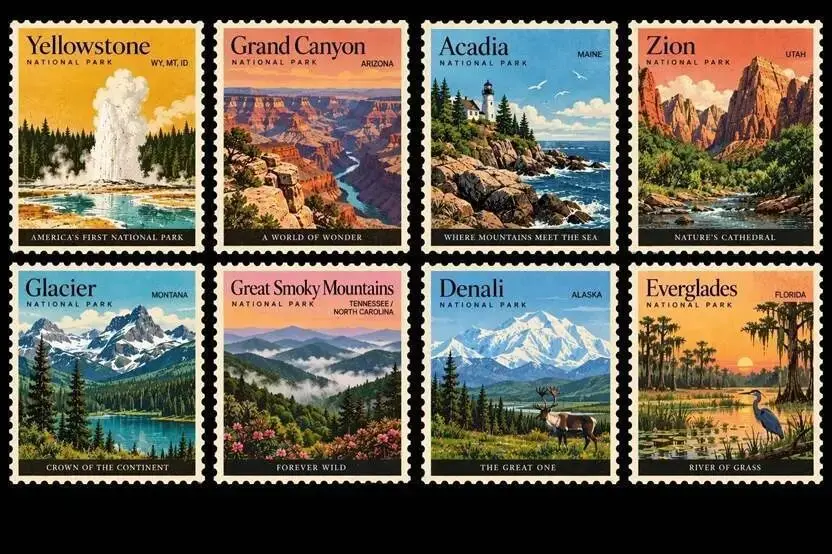
Additionally, there are cream-golden Lake Como wedding invitations, inverted futuristic cities, eight retro stamps from U.S. national parks, solar flare science slides, blue-golden Earth mosaics, ChatGPT sticker posters, and futuristic cities in the rain.
These examples cover different types such as illustrations, posters, invitations, infographics, scientific illustrations, and product promotional images. OpenAI's focus is also quite clear: when the prompt specifies the image structure, text, visual style, and specific elements simultaneously, Images 2.5 can execute these requirements more completely.
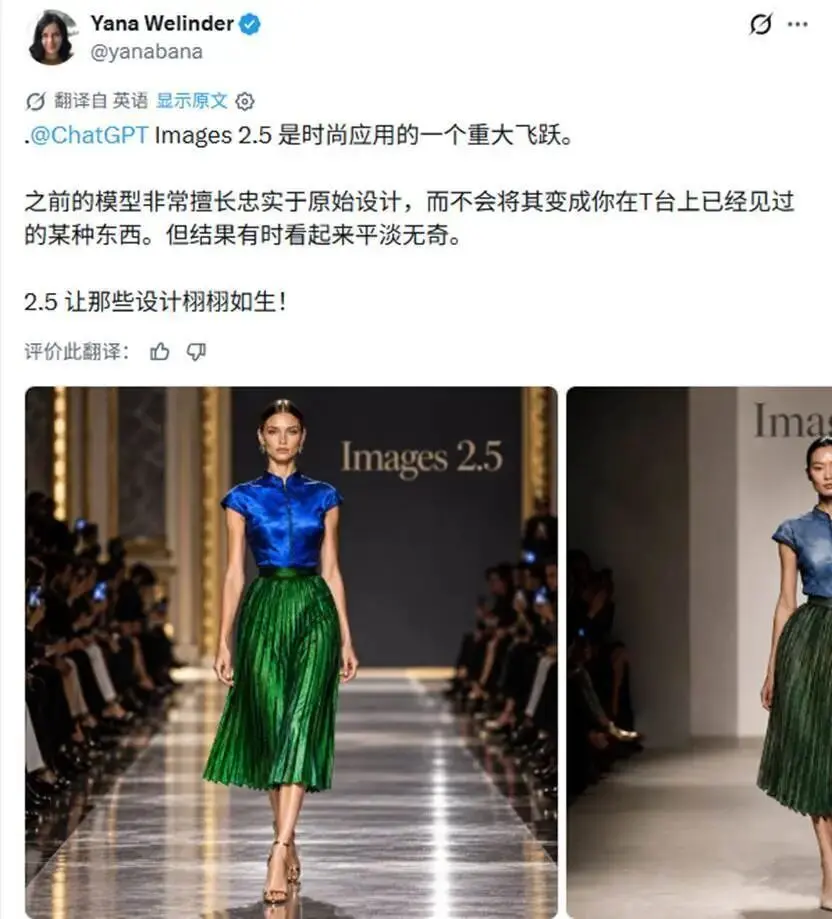
Fashion entrepreneur Yana Welinder believes that Images 2.5 shows significant improvement in fashion design performance. Previously, when using the old model, reference designs could be retained, but the final effect was sometimes relatively flat; she believes 2.5 allows the original design to present a more complete visual effect.
However, some have provided contrary test results. AI and software engineer Mark Kretschmann specifically conducted noise and artifact tests in forest scenes.
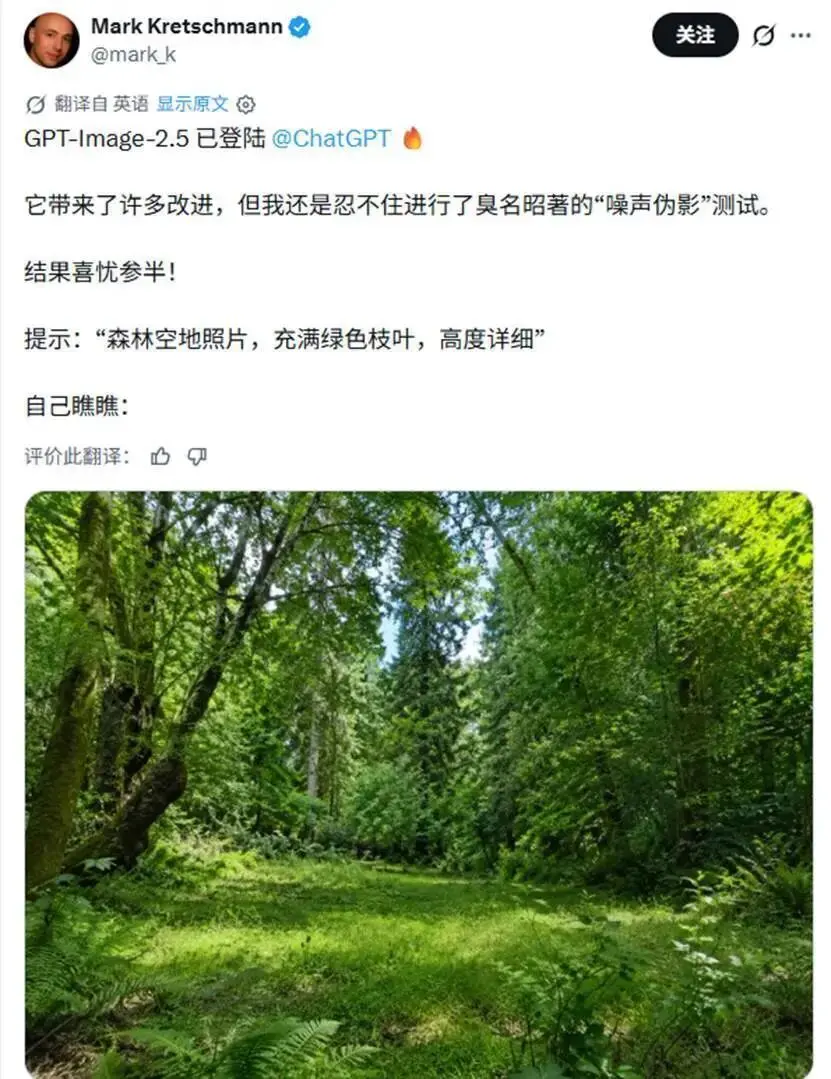
He believes that while 2.5 has many improvements, the test results are not stable. He then compared Images 2.5 with Images 2.0 and found that in several cases he tested, 2.0 performed better in terms of realism.
Therefore, a more accurate judgment at present is that Images 2.5 has primarily improved editing control and complex instruction handling, but the actual effects still vary across different image types.
03 Draw a Few Strokes, It Understands
In addition to the model itself, OpenAI has added several new operation methods to ChatGPT.
The most direct is Sketch. Users can draw sketches directly in ChatGPT and then let the model generate the final image based on this sketch. For example, if you want to design a room, you can first draw the general layout; if you want to make a piece of clothing, you can first draw the outline; or even if you just quickly sketch a rough composition, you can hand it over to ChatGPT to complete. Then you can add visual styles and other requirements afterward.
To use it, simply input "@Sketch." This effectively reduces reliance on text prompts. Some compositions are difficult to describe in words, especially the positions, proportions, and rough outlines of objects. Now users can draw first and then let the model fill in the details.
User @fquolodasha tested and rated GPT-Image2.5's hand-drawing ability very highly, stating that this time the effect is "pretty awesome," and expressed admiration for OpenAI's recent rapid updates and capability improvements.
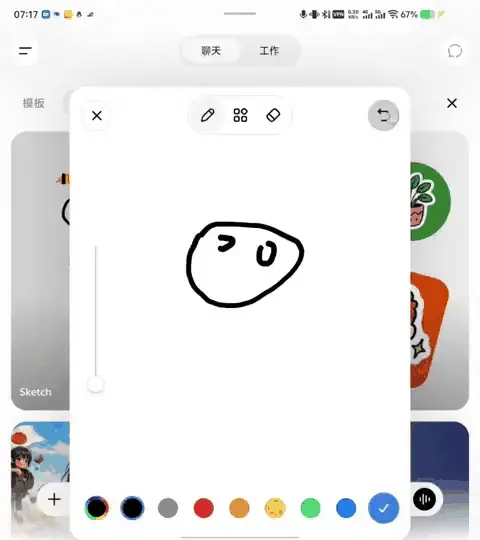
Templates address another issue. ChatGPT has added some common creation formats, such as Poster and Merch. Users first select a template, then fill in the information they want to express, design elements, and visual style, without having to start from a blank canvas each time.
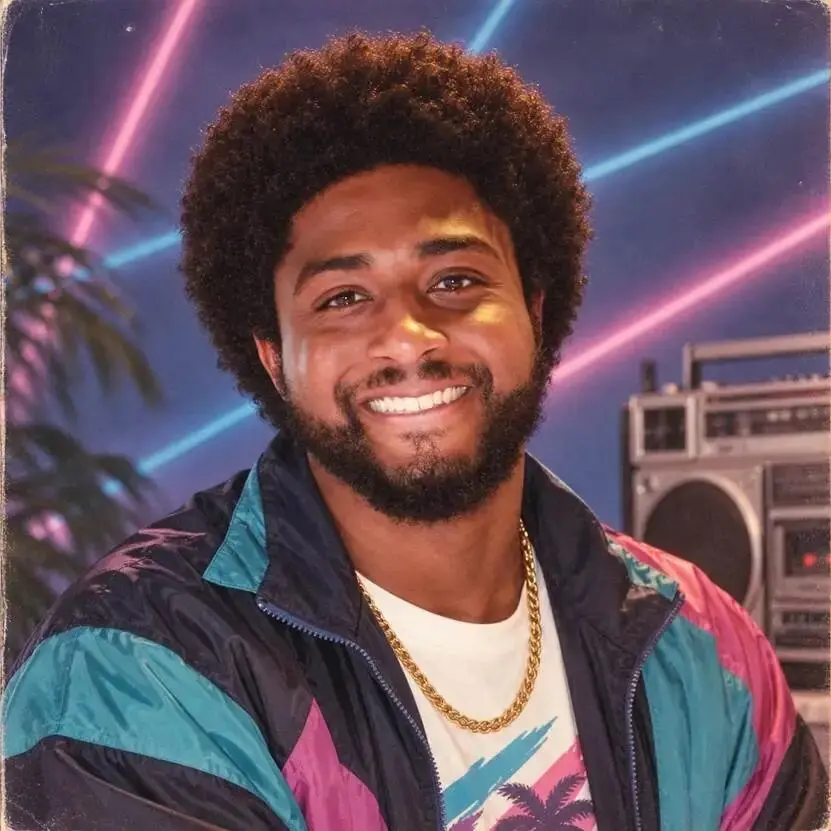
Image sharing has also added a Prompt option. Users can now share the Prompt used to generate the image while sharing the image itself. Others can then replace it with their own photos and details to continue generating.
An example provided by OpenAI is a portrait in the style of the 1980s: curly hair, colorful jacket, gold chain, neon lights, and a music player. Other users can follow this idea and swap in their own photos.
04 Two API Versions
Images 2.5 has also been integrated into the API. OpenAI has launched GPT-Image-2.5 Flare and GPT-Image-2.5 Sunburst.
Flare is the default version, focusing on speed, quality, and editing capabilities. OpenAI claims it generates higher quality than GPT-Image-2 while reducing latency by 50%, making it suitable for social content, product experiences, visual searches, rapid prototyping, and large-scale image generation.
Sunburst, on the other hand, is more geared towards work that requires fine control, such as formal advertising materials and high-quality product images. It allows for longer generation times in exchange for higher editing precision.
Early user feedback released by OpenAI has also focused on editing control.
Axultan Alimkulov, the AI product lead at Higgsfield, specifically mentioned that Flare can better understand which elements should remain unchanged. For film, UGC, and advertising teams, this means that when modifying one element, the original character, composition, and visual recognition can be preserved as much as possible.
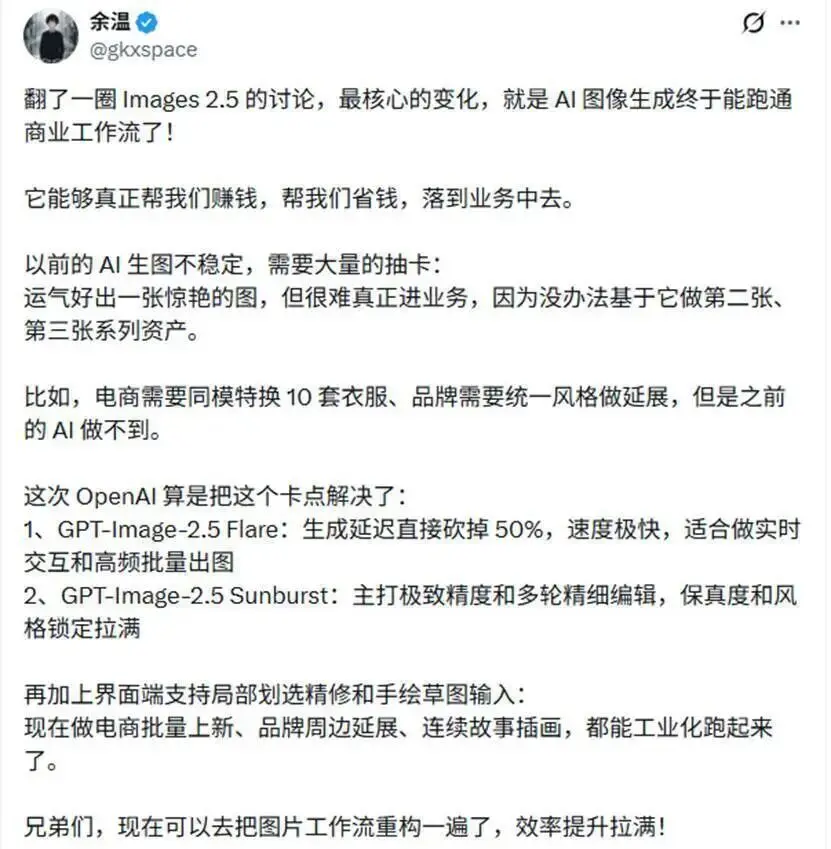
Serial entrepreneur @gkxspace has observed this update within commercial image workflows. He believes that one of the biggest limitations of past AI-generated images was that while the first image might be good, it was difficult to consistently produce a stable second or third image based on it. The changes in Images 2.5 regarding continuous editing, speed, and fidelity of reference images provide more practical usage space for scenarios like e-commerce outfit changes, brand material extensions, and continuous illustrations.
Currently, Images 2.5 has covered ChatGPT, ChatGPT Work, and Codex users, and the Flare and Sunburst in the API are also open. OpenAI has retained mechanisms such as prompt and image safety checks, C2PA metadata, and invisible watermarks to identify images generated by its tools.
From official cases and current user testing, the focus of this update is very concentrated: making modifications after image generation easier to control, ensuring reference images are more stable during continuous use, and integrating operations like Sketch, templates, and image annotations into the workflow.
As for realism, detail, and image quality after multiple rounds of editing, existing tests have shown varying results. How much these issues can be improved in Images 2.5 still requires more practical use for validation.
 Risk warning
 Risk warning